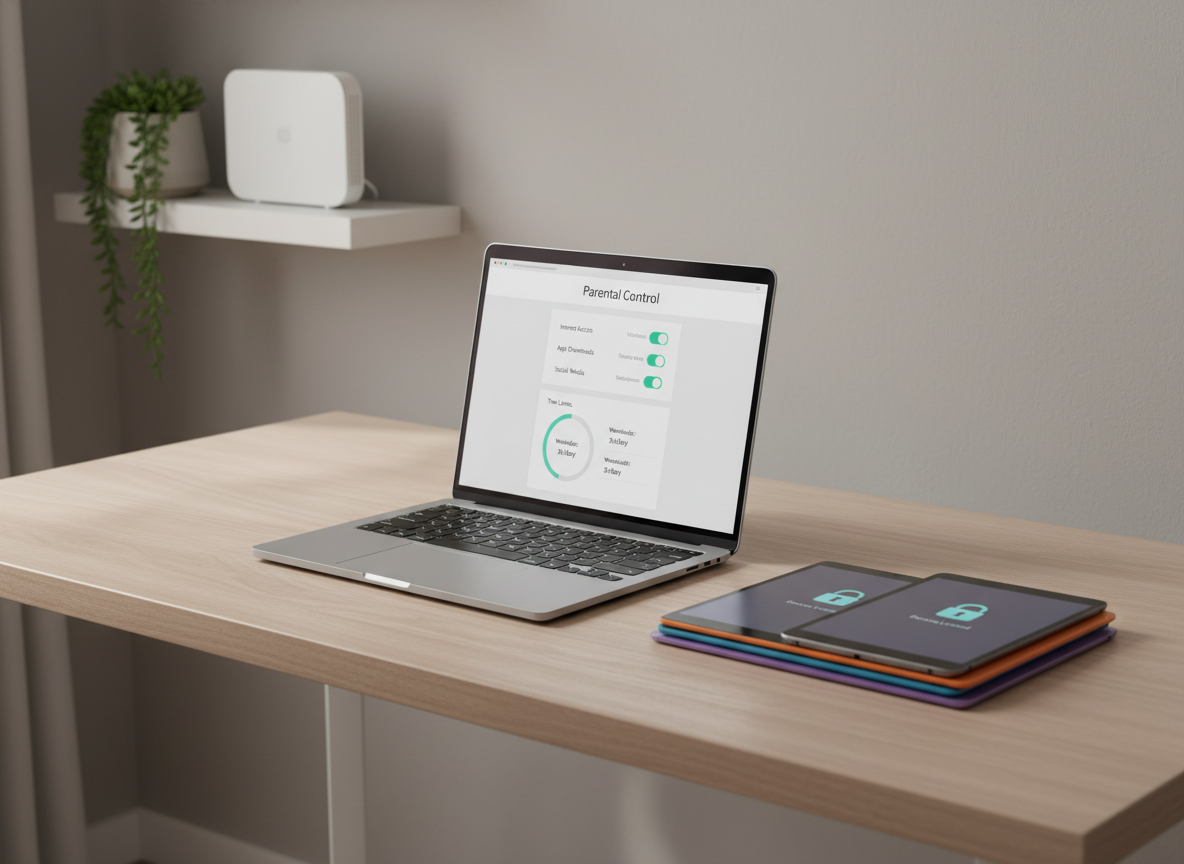
A modern home office desk made of light ash wood with a matte finish, holding an open silver laptop that displays a clearly legible parental control dashboard with toggles and time limits. Beside it lies a neatly stacked set of colorful tablets and smartphones, each screen dimmed with visible lock icons. The desk sits against a softly blurred neutral wall with a small, minimalist plant and a closed Wi‑Fi router on a nearby shelf. Natural daylight filters through an unseen window, casting gentle, professional shadows. Photographic realism, shot at eye level with a slight three-quarter angle, sharp focus on the devices and interface, subtly blurred background. The mood is calm, controlled, and reassuring, emphasizing clarity and simplicity in managing screen safety without any human presence.

ScreenSafe Guides

Follow simple, device-specific steps to block harmful content and support healthier screen time habits.

  • Android TikTok Guide
    Step-by-step instructions to block or restrict TikTok on your child’s Android phone while keeping communication open.
  • iOS YouTube Guide
    Shows you how to limit YouTube access on iPhones and iPads so kids see fewer harmful videos.
  • iOS Website Blacklist
    Helps you block specific websites on your child’s Apple devices so dangerous or distracting sites stay off-limits.
  • Home Network Blacklist
    Helps you block inappropriate websites on your home Wi‑Fi so every device in the house is protected.

Stay ahead with new app and safety alerts